
Prompt to video
Describe your video and Kedy.AI generates the scenes, footage and pacing automatically.
Turn a prompt, script or idea into a finished video — AI-generated scenes, voiceover and captions, right in your browser. No filming, no install.
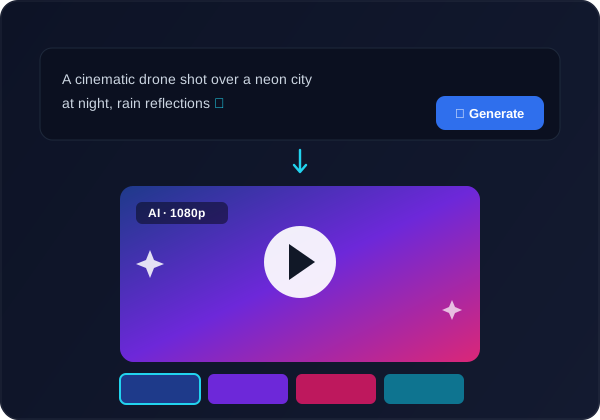
Describe your video and Kedy.AI generates the scenes, footage and pacing automatically.
Assembles AI visuals and royalty-free stock matched to your script.
Narrate with an AI voiceover, or clone your own voice to present.
Subtitles generated and styled for silent-scroll social feeds.
Dub the finished video into 23+ languages with instant voice cloning.
No install — generate and export from any device.
Write a prompt or paste a script — a topic, ad or explainer idea.
Kedy.AI builds the scenes, visuals, captions and voiceover for you.
Refine the script, swap clips, restyle captions and add music.
Render up to 4K and publish — or send it to your dashboard.
It turns text — a prompt or script — into a finished video, generating scenes, visuals, voiceover and captions automatically, so you can create video without filming.
Yes — generate videos free in your browser; paid plans add more length, no watermark and more languages.
Yes. Refine the script, swap clips, restyle captions and adjust timing before you export.
Yes — dub it into 23+ languages with instant voice cloning in the same project.
Ads, explainers, social posts, product videos and faceless content — anything you can describe in a prompt or script.
Yes — it generates an AI voiceover (or clones your voice) and adds styled captions automatically.
Most videos generate in minutes; you can then refine the script, clips and captions before exporting.